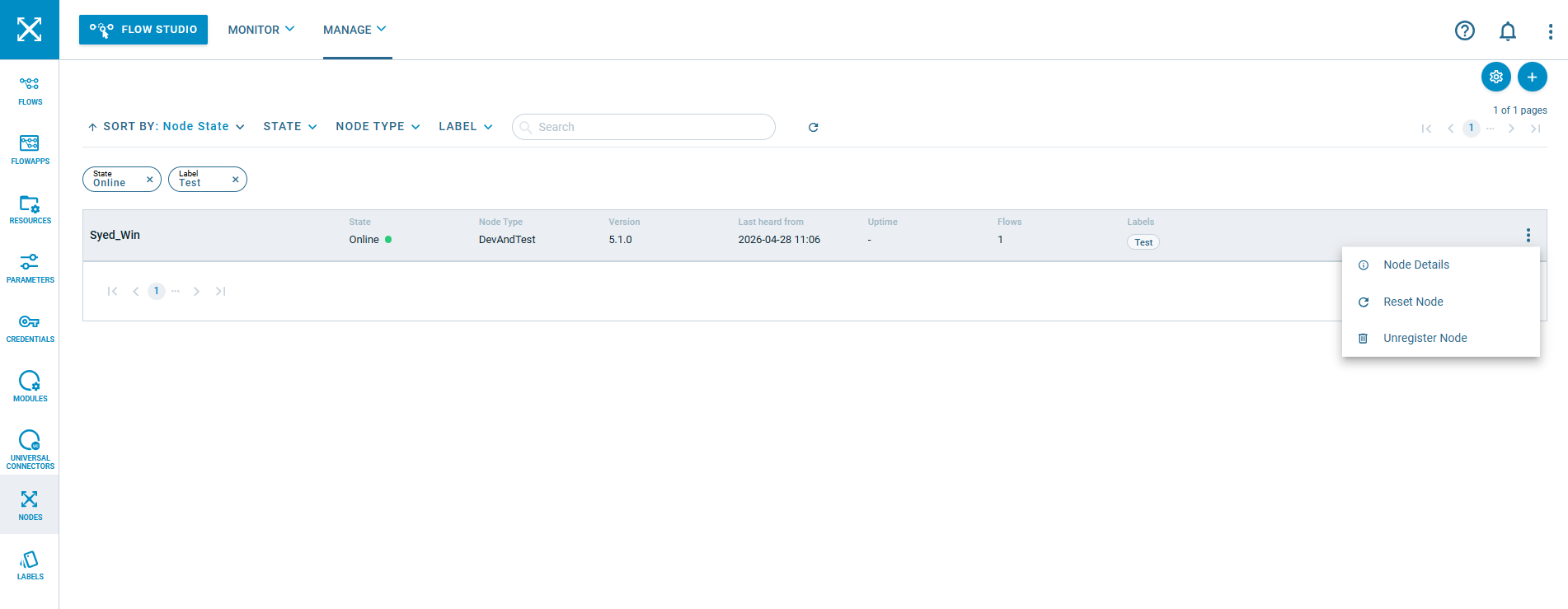
Resetting a Node
Did you know that resetting a Node can help resolve situations where the flows become out of sync with the Crosser Control Center or behave unexpectedly? If you’re stuck with issues that don’t seem to resolve through normal troubleshooting, performing a Node reset can give you a clean slate and restore proper operation.
However, a reset comes with important implications. All deployed flows will be undeployed, and any resources or credentials stored locally (on the file system) will be removed. Logs, on the other hand, are preserved, which can be useful for troubleshooting. After the reset, flows must be redeployed. After the flows have been deployed, resources and credentials will automatically be downloaded again from Crosser Cloud.
This makes Node reset a powerful recovery option but it should be used carefully, especially in production environments.